
Searching Cases by Name
Lafayette City Court offers a free Case Search. It lets you look up matters by name. The live form provides the name entry it provides. The page does not document separate first-, middle-, or last-name controls. So type the name the way the form allows. District cases work differently. For 15th JDC matters, the Lafayette Parish Clerk sends users to ClerkConnect. Its live Lafayette search fields sit behind paid access. Name filters cannot be assumed there.
- Identify the court first: 15th JDC, Lafayette City Court, a municipal or magistrate court, a Justice of the Peace court, the Third Circuit, or a federal court.
- Open the correct official channel. Use the Clerk’s online-records route for 15th JDC matters and City Court Case Search for City Court matters.
- Choose name search only where the interface offers it. Enter the supplied name carefully and avoid treating similar names as a confirmed case.
- Open the result detail and confirm the court, case number, offense or filing date, current status, and any court-date event.
- When the date or result affects an active matter, repeat the search and confirm with the court or Clerk because online data can lag or change.
Lafayette Parish Case Search Routes
Which court you search matters as much as how. The 15th Judicial District Court of Louisiana handles Lafayette Parish district civil, criminal, family, probate, traffic, and specialty cases. Records are kept by the Lafayette Parish Clerk of Court. Lafayette City Court runs its own Case Search, Court Schedule, and Pay Online pages. Broussard citations go through its magistrate and police channel. Youngsville, Carencro, and Scott offer no general public case-search portal here. An appeal can also leave the trial docket entirely. It can land at the Louisiana Court of Appeal, Third Circuit. A search that returns nothing may simply be aimed at the wrong court, wrong parish, wrong portal category, or wrong stage of the matter. Confirm which office keeps the record before treating a name search as complete.
Searching by Case Number
A case number is the strongest identifier. Enter it in the court that issued it. Lafayette City Court's Case Search shows a docket-number example of XX012345678. That example belongs to the City Court interface. There is no single verified case-number grammar for the 15th JDC. Never attach guessed prefixes, dates, or case-type codes to a district-court number. Type the exact number from your summons, notice, docket sheet, or any earlier court communication. If you have no number, give the Clerk the caption or party name, the approximate filing or offense date, the court, and the record type. That usually works. A case number locates a case record. It does not tell you who holds every related document or fine account.
Lafayette Parish Case Search Fields
Each court exposes different controls. The City Court interface offers a docket-number or name choice. ClerkConnect confirms the local categories on its landing page. But the field set after login stays behind subscription access. The table below separates the fields you can count on from the ones that need a paid ClerkConnect login.
| Field label | Type | Required | Notes |
|---|---|---|---|
| ClerkConnect Civil Suits | Category | No until selected | 15th JDC civil category; live search fields are not public. |
| ClerkConnect Criminal Cases | Category | No until selected | Covered court-record category; paid login is required to inspect controls. |
| ClerkConnect Traffic Cases | Category | No until selected | Traffic history and minutes are described by the Clerk. |
| ClerkConnect Family/Probate | Category | No until selected | Current subscription information includes these case types. |
| City Court Docket # | Text | Yes when selected | Use the exact City Court docket number. |
| City Court Name | Text | Yes when selected | The interface exposes a name search; exact component fields need live-browser verification. |
What a Case Search Returns
A search result is an index, not the whole case file. Lafayette City Court's sample detail labels cover the person, case number, status, date and location of occurrence, violation or amended violation, disposition, mandatory-court flag, financial fields, sentence and probation fields, plus court-date events. The 15th JDC ClerkConnect coverage reaches further. It includes case information, history, service, minutes, disposition, and document or copy routes. The exact live display requires a subscription, though.
| Case number | The court-assigned identifier used to retrieve or request the file. |
|---|---|
| Case status | Administrative posture such as pending, closed, or disposed; verify its date and source. |
| Case history | Chronological filings, events, minutes, and actions rather than a complete transcript. |
| Court-date events | Appearances and settings; confirm the newest event with the originating court when time matters. |
| Disposition | The reported outcome of a proceeding, which should not be confused with an expungement or sealed status. |
Lafayette Parish Case Search Results
A matching name is only the start. Before you rely on it, match the court, the case number, the caption or party role, the filing or occurrence date, and the result status. A history line tells you an event happened. It does not hand you the signed filing, minute entry, certified judgment, or transcript. Each of those is a separate record product with its own request and fee path. City Court's legal notice adds cautions worth knowing. Data can change without notice, and it is not a real-time warrant-status source. Updates run about every 30 minutes, with delays possible. For anything time-sensitive, check again and confirm with City Court directly. A ClerkConnect entry deserves the same care when a new filing, reset, or correction may not have posted yet.
Statewide vs County Case Search
Louisiana has no single statewide public trial-court docket search covering Lafayette Parish cases. The practical route runs through the Lafayette Parish Clerk's ClerkConnect path for covered 15th JDC matters, the lower court's own channel, or a request to the Clerk. Statewide judicial-branch information is simply not a statewide personal-name docket index.
| No statewide public trial portal | Lafayette Parish local route |
|---|---|
| There is no verified Louisiana public trial-docket search spanning all trial courts. | ClerkConnect covers the Clerk’s listed 15th JDC categories with subscription and copy conditions. |
| It cannot substitute for a city, municipal, magistrate, JP, or appellate custodian. | City Court, municipal clerks, JPs, and the Third Circuit retain their own records. |
| A broad statewide name search is not a documented fallback. | Use the court, case number, Clerk, phone, email, counter, or formal records request that fits the case. |
Lafayette Parish Case Search Limits
ClerkConnect is a local paid portal, not a free statewide service. The current Clerk fee page lists court-record access at $10 for one day. It charges $25 for 30 days, and $300 for 365 days. Subscriptions and copies are bought directly by credit card after the Clerk's 2025 account transition. Treat old office charge-account terms and the former ClerkConnect login as outdated. Use a desktop for paid retrieval. ClerkConnect recommends a current Chrome, Firefox, or Edge browser with JavaScript, cookies, and pop-up compatibility. Public terminal options are not certain. So ask the Clerk about in-person viewing rather than assuming a terminal exists.
Access and Restricted Cases
Most routine 15th JDC docket entries can be pulled through the Clerk's approved channels. Coverage and fees vary, though. Juvenile files are different. Louisiana keeps them confidential unless a law opens a narrow door. Sealed cases, expunged criminal records, shielded identifiers, and certain papers raise their own walls. They may be withheld, redacted, or simply not there. A blank result tells you nothing on its own about why a case is missing.
Two statutes do the heavy lifting here. Louisiana Children's Code Art. 412 locks down juvenile records. Code of Criminal Procedure Art. 973 keeps expunged records confidential except where the law carves out exceptions. A public-records request cannot override a sealing order or confidentiality law. Before you push further, ask the court or the Clerk which portion, if any, is legally available. Ask also whether a judge must sign off.
Lafayette Parish Case Search Alternatives
When the online case lookup comes up empty, go straight to the office that holds the record. The Lafayette Parish Clerk answers Civil Records at (337) 291-6303. Criminal Records is (337) 291-6329, and Traffic is (337) 291-6370. You can also walk up to the Clerk counter at the Buchanan courthouse for 15th JDC records. Email and mail requests work too. Just name the case and the document you want, whether that is a docket sheet, a filing, a minute entry, or a copy.
Appeals belong to the Third Circuit, so send those questions there. City Court matters go to City Court directly or through its official tools. Municipal cases without an official general docket search start with the city clerk or court channel. The right office can tell you whether a record lives there. It may sit in an old undigitized file or be closed off by an access rule.
Lafayette Parish Case Search Access
ClerkConnect's official landing page is where the Lafayette Parish Clerk sends people for current court-record access. The landing page itself lists case categories. It also shows a paid login or subscription boundary, and the Clerk's current fees. It shows no Lafayette-specific filters, result columns, export options, or sample case before you sign in.
The ClerkConnect landing page is the official source for this Lafayette case-search portal image.
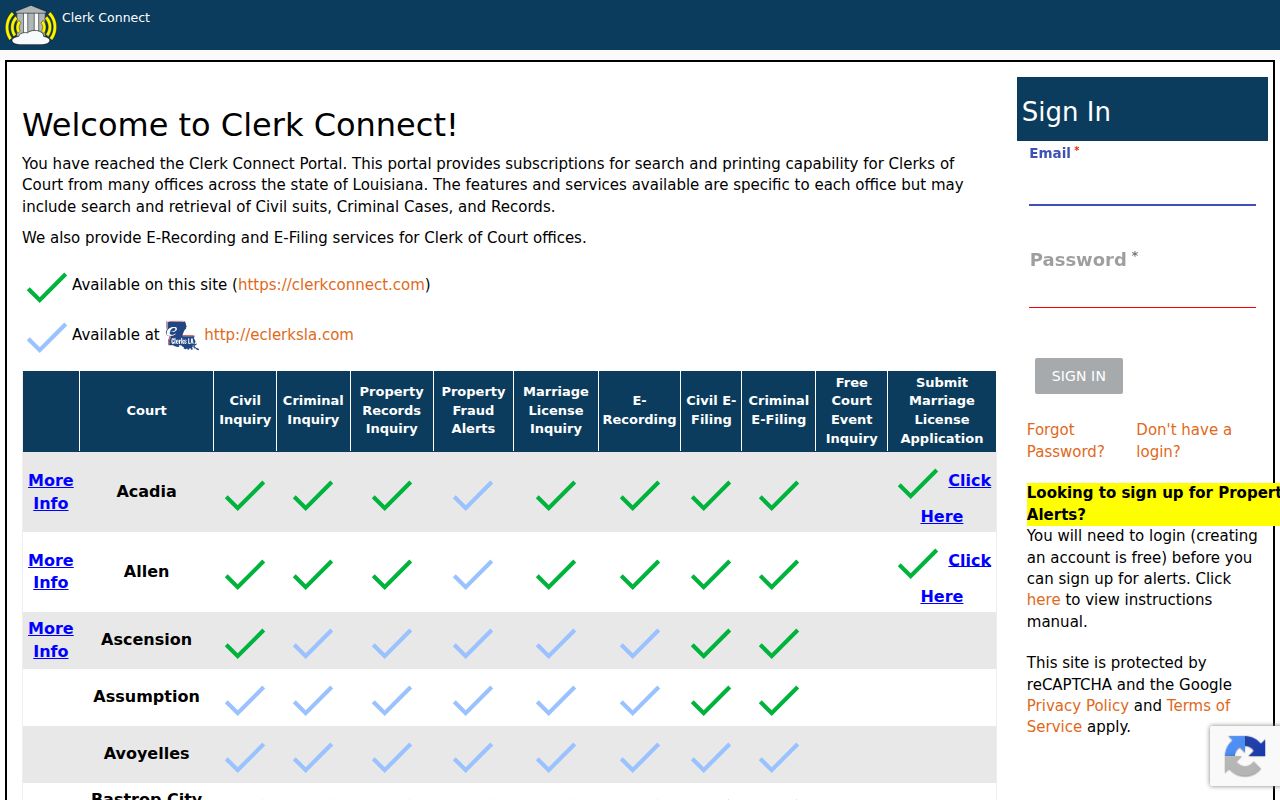
The landing view lets you pick a court and orient your account. It proves nothing about search fields hiding behind the login.
Lafayette Parish Case Search Land Warning
Don't confuse the Lafayette eSearch login with the case-search system. That login serves a different product: mortgage, conveyance, and UCC land records. Its images go back to January 1, 1935. Its own warning says so plainly. It tells users not to open an account there for civil or criminal court records. A land search can surface a land-record index, but the district-court docket lives elsewhere.
The Lafayette eSearch login is the official source for this land-records distinction.
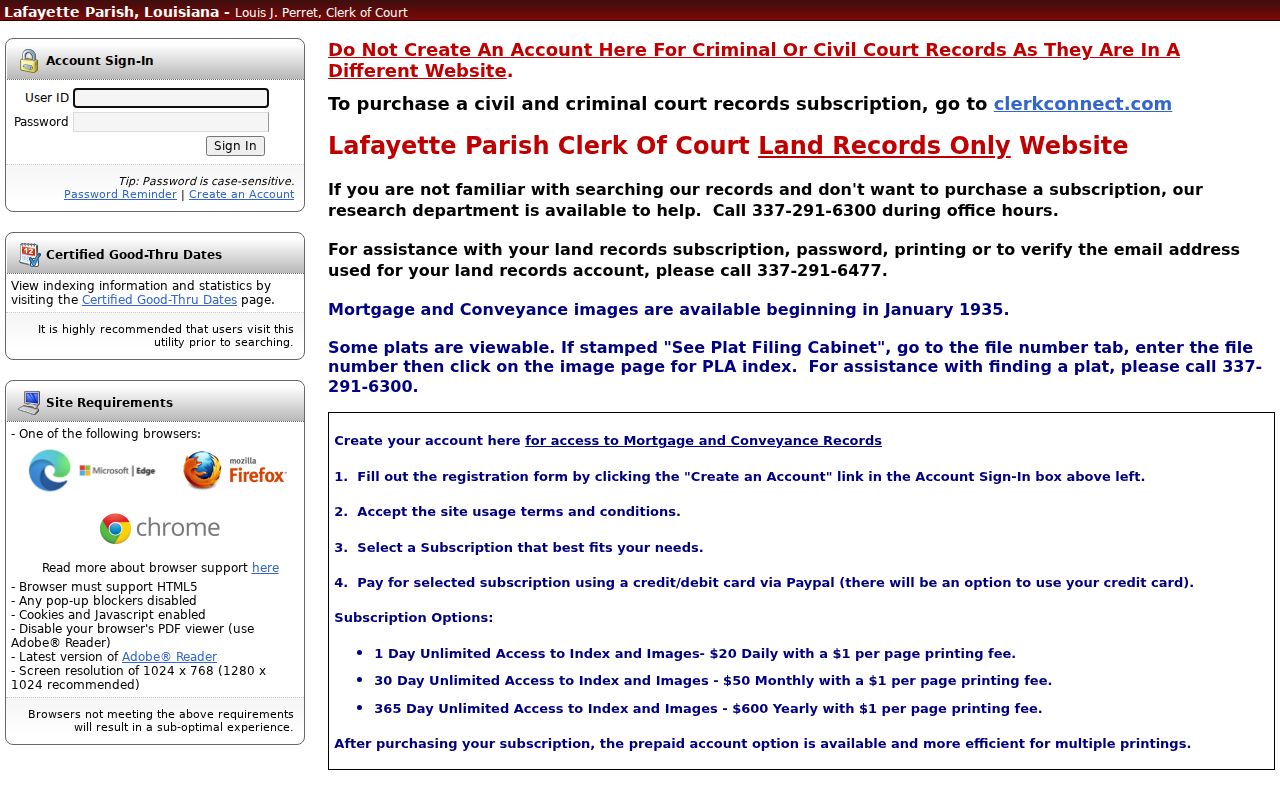
That separate login is a reminder to pick the court-record channel first, before typing in a case or party identifier.
Lafayette Parish Case Search Federal Route
Federal cases run on their own system. The Western District of Louisiana, including its Lafayette Division, points federal court-record users to PACER and CM/ECF rather than to the parish Clerk. Keep the Third Circuit separate in your mind too. That court handles Louisiana state appeals, not federal files. A federal case number should be searched inside the federal system with a proper account.
PACER's official public-access page is the source for this federal case-search image.
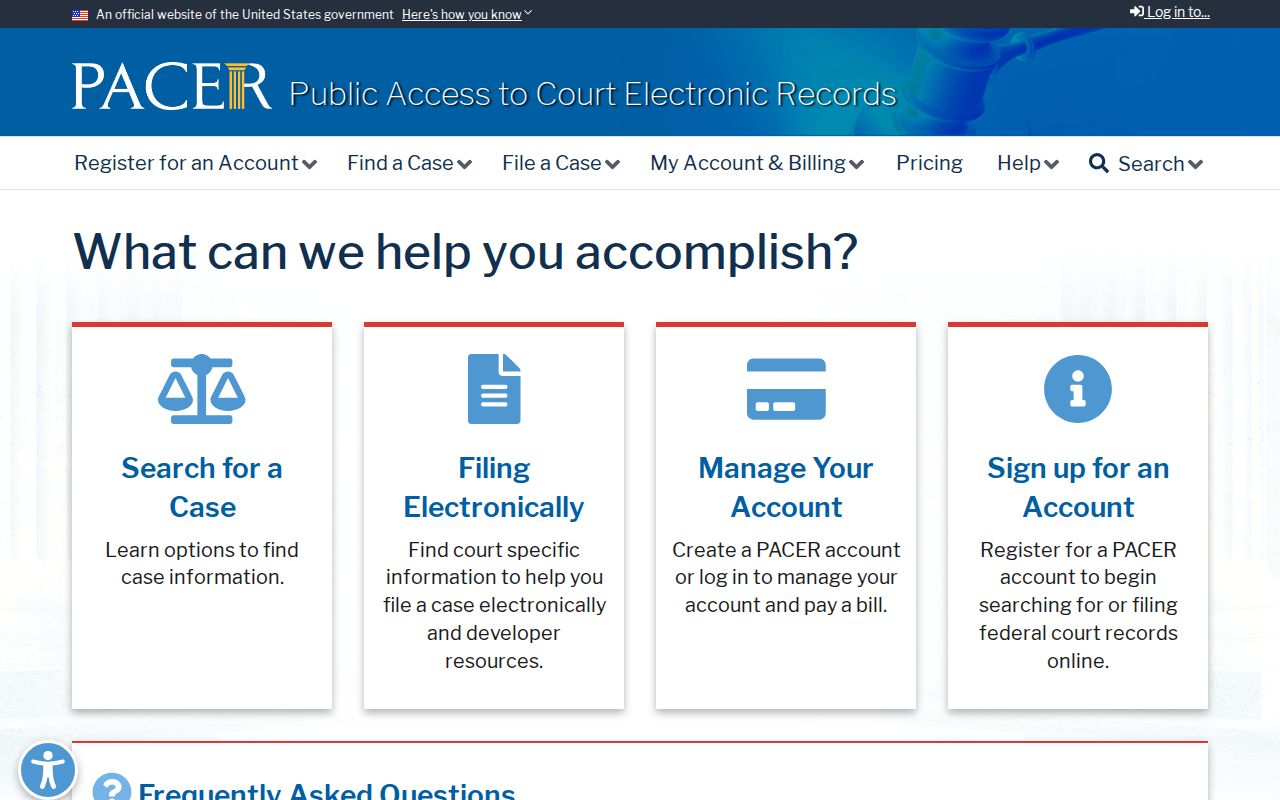
The federal portal covers federal case records only. Treat it as the wrong tool for Lafayette Parish trial-court cases.
Lafayette Parish Case Search Missing Cases
A failed docket search has many honest explanations. The record may sit in a different court. It may be newly filed, or old and never digitized. It may be tied to a case number rather than the name you guessed, or be restricted from public view. It may also fall outside the local portal's coverage. Write down your search date and route. Then ask the right Clerk or court about the case number, the court, the year, the record type, and what is legally available.
Never read meaning into an absent result. The smart move is court routing plus a narrow records request. Full documents and certified copies come from the records custodian. The Lafayette Parish court records information explains more.